What you’re building
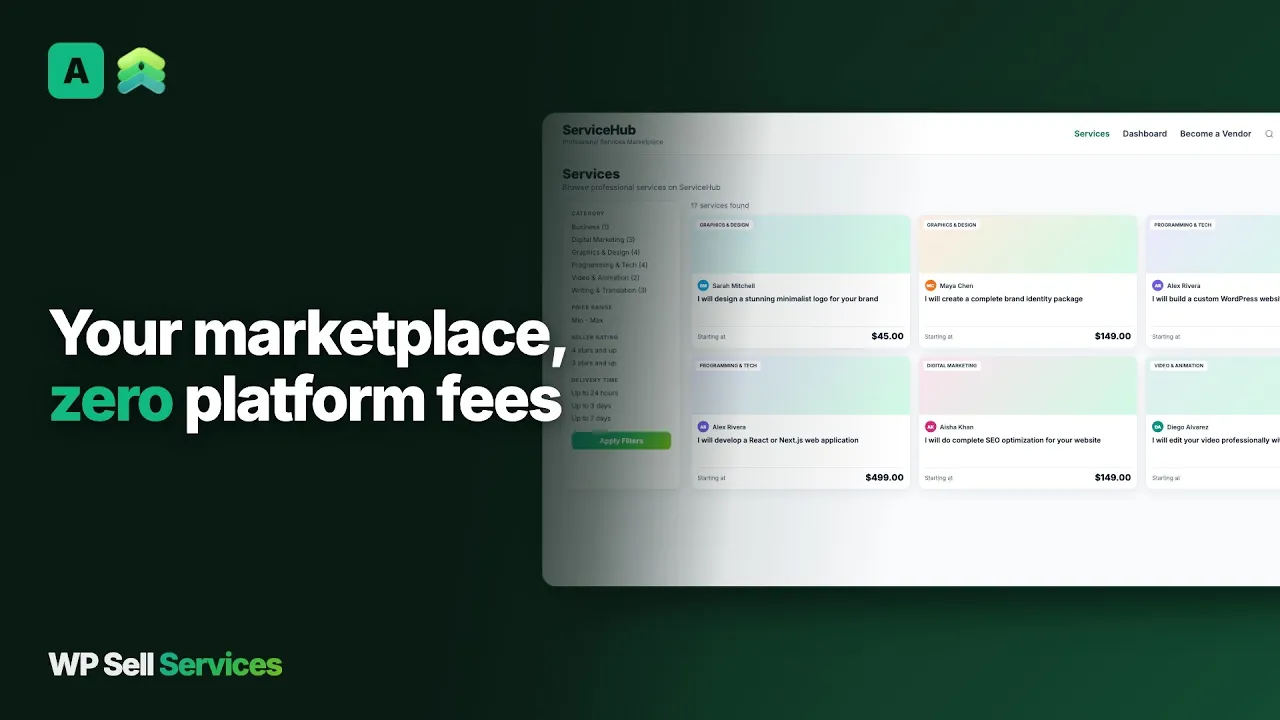
A horizontal services marketplace: any freelancer can sign up and list services across any category (writing, design, video, dev, marketing, voiceover, music). Buyers browse, filter, order. You take a cut on every transaction.
Functionally, this is “Fiverr on your domain.” Differences worth understanding:
- You own the platform. Your data, your branding, your commission rates, your terms.
- No SaaS fees. Free plugin runs production marketplaces. Pro is a yearly licence, or a one-time lifetime licence.
- Your moderation rules. Fiverr’s gig categories don’t fit every niche. You define what’s allowed.
If you are choosing between building and joining a hosted marketplace, read the Fiverr alternative comparison. A hosted site brings buyers with it. Yours brings control, and you bring the buyers.
Why this is the broadest use case
The other playbooks (tutoring, design, consulting, home services) are vertical specializations. Freelance marketplace = horizontal. Same plugin, different category strategy.
Successful Fiverr-style marketplaces specialize fast. Generic “freelance services” loses to vertical niches because:
- SEO ranking is easier for “[specific service] marketplace” than “freelance marketplace.”
- Buyer trust is easier when the category signals quality control.
- Vendors stay engaged when the audience matches their service.
If you launch generic, plan to niche in within 90 days based on which categories actually move.
The 30-minute setup
- Wizard. Marketplace name. Currency. Commission rate (pick one that suits your niche; 10-15% is a common range for smaller marketplaces). Open registration (no admin approval) for highest vendor growth. Accept the moderation burden.
- Categories. Start with 6-8 max. Adding 30 categories at launch is the most common founder mistake. Resist it. Categories can have subcategories, so you can grow later without redoing the top level.
- Moderation queue. Turn on service moderation, so new services need your approval before they are visible. Spam vendors find every new marketplace within days. Review every listing before it goes live for the first month minimum.
- Seller levels. The four levels are fixed: New, Rising and Top Rated are earned from order history, and Pro Seller is one you award by hand. There are no thresholds to tune.
- Featured placement rules. Decide early: paid featured slots ($X/week for a slot on the home page) or ranking by sales and rating. Featuring is manual, in free and Pro, and the catalog can already be sorted by top rated or most popular.
Two-mode marketplace from day one
WP Sell Services ships both buying modes, and both are always on:
- Browse + buy for productized services (“$50 logo, 24-hour delivery”). Most volume comes from here.
- Buyer requests for custom briefs (“I need a 3-min animated explainer, budget $1500, deadline 2 weeks”). Captures buyers with non-standard needs.
Together they cover the full demand spectrum, from day one. The two modes article explains when each one earns.
How buyers find sellers
The catalog searches titles, descriptions and excerpts. Buyers narrow by category, price range, minimum star rating and delivery time, and sort by newest, price, top rated or most popular. Services carry up to five tags, and buyers can save services to favorites to come back later. A separate vendors grid lists sellers by rating, newest or most orders, with an “available now” filter and a country filter.
You place all of this with six Gutenberg blocks or about twenty shortcodes, so it works in Elementor, Bricks or a classic theme. Service pages also output product markup for search engines, with price and rating.
Setting up services that sell
Every seller works through the same six-step wizard: basic info, pricing, gallery, requirements, extras and FAQs, then review. On a horizontal marketplace the wizard is your quality control, so know its limits.
- Packages. Up to three per service, Basic required. Each has a price, a delivery time of 1 to 30 days, a revision count (none, 1, 2, 3, 5 or unlimited) and a checklist. An optional express delivery price can sit on top.
- Gallery. Four images and one video embed on free. Images are unlimited on Pro.
- Extras. Three per service on free, unlimited on Pro.
- Requirements and FAQs. Five of each on free, unlimited on Pro. Requirement questions take short text, long text, file upload or dropdown answers.
- Service count. Each seller can have 20 active services by default. You can change that number in settings, and 0 means no cap.
Sellers can edit, pause or delete a service without losing its history or reviews, and they can set vacation mode to show as unavailable. The pricing and packages guide lists every field.
Pricing structure to encourage
The three-tier package model trains buyers + vendors:
| Basic | Standard | Premium |
|---|---|---|
| Entry price | 2-3x Basic | 4-5x Basic |
| Stripped-down deliverable | Most common purchase | Full-service tier |
| Set realistic expectations | Anchor for value | Aspirational tier |
Vendors who skip the tier exercise and only set Basic leave money on the table. Make tier-setup a requirement in your vendor onboarding.
How an order runs
- The buyer picks a package and extras and pays. Nothing starts until payment is confirmed.
- The buyer answers the seller’s requirements. Reminders go out on days 1, 3 and 5. After 7 days by default the order starts anyway, or you can choose to cancel and refund.
- The seller works to the deadline and is reminded 24 hours before it. A seller who needs more time can ask for an extension, and a buyer who wants more scope can pay for it through the order.
- The seller delivers. The buyer accepts, requests a revision within the package count, or opens a dispute.
- With no response the order completes three days after delivery. That window is a setting.
- Commission is taken and earnings are recorded. The buyer can rate the order within 30 days by default, and the seller can reply to the review.
A buyer who cannot find the right service posts a request instead. Sellers send proposals with a cover note, price and timeline, and the buyer accepts one, which creates the order. Larger jobs can run as milestone contracts, paid and approved one phase at a time. Read the order lifecycle guide for every status.
Trust, safety and landmines
Trust and safety from day one
Fiverr-style marketplaces fail when trust collapses. Configure these from the start:
- Star reviews tied to completed orders only. Built in. Don’t allow review without an order.
- Seller levels visible to buyers. Built in via the levels system.
- Verified phone / email for vendors. WP-side, via any auth plugin you trust.
- Dispute resolution SLA. 48-hour response. Publish it. Stick to it.
- Refund policy on the front page. Buyers won’t transact without a clear refund path.
Disputes carry evidence from both sides in a thread you can see. You resolve with a full or partial refund, in favor of either side, or a mutual agreement. Refunds go back through the original gateway and the seller’s earnings are reversed in the same step. Members can also report a service or seller, and the reports collect in one admin screen. Read the dispute process before you write your policy.
The biggest landmines
- Chicken-and-egg. No vendors → no listings → no buyers. Solve by seeding 10-20 vendors yourself (offer reduced commission for the first 90 days) before announcing to buyers. A per-seller commission rate makes the reduced rate easy to set.
- Refund chargebacks. Aggressive buyers know payment processors side with them. Tight requirements form + photo deliveries + recorded message history = your evidence in disputes.
- Cheap vendors race-to-bottom. A $5 logo brand kills perceived value. Publish category minimums in your vendor guidelines (“Logo design minimum $25”) and hold them in moderation. Adjust by market.
- Spammers. Daily moderation. Don’t let it slide.
Commission, payouts and Pro
Commission rate strategy
Three tested models:
- Flat 10-15% per order. Simple, scales, Fiverr-comparable. Default. The rate can be anything from 0 to 50 percent.
- Tiered by seller level. Newer sellers pay 20% (need the marketplace more); top sellers pay 5% (you need them more). Pro module handles tiered commissions.
- Subscription + low commission. Vendors pay $19-49/mo, you charge 5% commission. Predictable revenue, lower transaction friction. Pro module handles subscriptions.
Don’t switch models in the first year. Vendor trust depends on predictable economics.
Paying vendors
Free covers payouts by hand. Sellers see cleared, pending and lifetime earnings on their dashboard, request a withdrawal by bank transfer or PayPal once they pass the minimum, and you approve, pay and mark it completed. A clearance period holds earnings for some days after completion, and you can export withdrawals as a CSV. Read the payouts article for how the options compare.
When you’ll need Pro
You’ll hit Pro by month 3 if the marketplace works:
- Stripe Connect or PayPal Payouts at 50+ vendors.
- Tiered commissions to keep top sellers.
- WooCommerce checkout for regional payment methods (huge for international marketplaces).
- Vendor analytics so sellers see their funnel and improve.
- White-label to remove “WP Sell Services” mentions from vendor dashboards.
The plans are on the pricing page, and the site owner guide covers the admin side.
What it does not do
- No importer. There is no import from Fiverr or any other marketplace. Moving over means rebuilding listings, or a developer script against the REST API or WP-CLI.
- No recurring billing. Monthly subscriptions to a service are not available.
- No built-in seller identity checks. You verify people yourself, or with an outside plugin.
- No service templates, scheduled publishing, bulk image upload, direct video upload or custom package fields. These are not built yet.
- No hourly contracts. Pricing is per package, or per proposal.
- No SureCart checkout. Use the built-in checkout or WooCommerce.
Other plugins on the same site
WP Sell Services is one of several separate, optional plugins from the same team. They run on one WordPress site and one login.
What it actually connects to: its own standalone checkout with Stripe and PayPal, WooCommerce as a checkout rail on Pro, Razorpay on Pro, Stripe Connect and PayPal Payouts for sellers, and Amazon S3, Google Cloud Storage or DigitalOcean Spaces for files. The sister products are separate things you can add around it. BuddyNext is a community plugin. Jetonomy is a forum and Q&A plugin where sellers can answer questions in public. Learnomy sells courses. WB Gamification adds points and badges. The themes BuddyX Pro and Reign give the site its look. They share the site, and we do not claim that any of them is wired into marketplace orders.
The trade is plain. A hosted marketplace is one bill, and it keeps a cut. These are separate plugins you install, host and update yourself.
Your first 30 days
- Days 1 to 3. Run the wizard, create the pages, connect Stripe or PayPal and complete a test purchase.
- Days 4 to 7. Pick 6 to 8 categories, turn on service moderation, and publish your vendor guidelines, price minimums and refund policy.
- Weeks 2 and 3. Invite 10 to 20 sellers. Help each publish two services with all three packages and a hero image.
- Week 3. Run a full test order, a revision, and one dispute with a refund.
- Week 4. Announce to buyers. Post two example requests yourself and answer them as sellers.
- Day 30. See which categories sold. Cut the rest from the menu and plan your niche.
Try it
The InstaWP demo ships with seeded vendors + categories so you can see what a populated marketplace looks like. 20 minutes to validate the format before you commit. The features page and free vs Pro list everything else.
Common questions
Can I let buyers tip vendors above the order price?
Yes, with Pro. Tipping is a Pro feature. Tips carry the regular commission unless you set a separate tip rate. Without Pro, buyers see no tip option. A tip that was already paid still reaches the seller wallet. Buyers add the tip after approving the delivery, and it appears in the seller’s earnings history.
Does the catalog support filters (category, price, rating, delivery time)?
Yes, via the catalog block + shortcodes. Buyers can search by keyword and filter by category, price range, rating and delivery time, then sort the results. Custom filters need a search plugin like SearchWP. Filters such as language or skill level are not built in, so model them as categories or tags.
Can vendors offer add-ons?
Yes. 3 add-ons per service on free, unlimited on Pro. Add-ons are priced upsells attached to a package, such as faster delivery, source files or extra revisions, and the commission applies to them like any other part of the order. Encourage sellers to use them.
Do I need WooCommerce to run this?
No. The free plugin has its own checkout, with Stripe, PayPal and offline payment built in. WooCommerce is an optional Pro checkout rail for sites that want its gateways. Only one checkout rail is active at a time, and it handles payment completely, so choose before you launch.
How do I move sellers over from another marketplace?
There is no importer. Sellers recreate their listings in the wizard, and you can invite them by email. A developer can script bulk creation with the REST API or WP-CLI. Reviews do not transfer, so plan how new sellers earn their first ratings, for example with a lower commission for the first months.