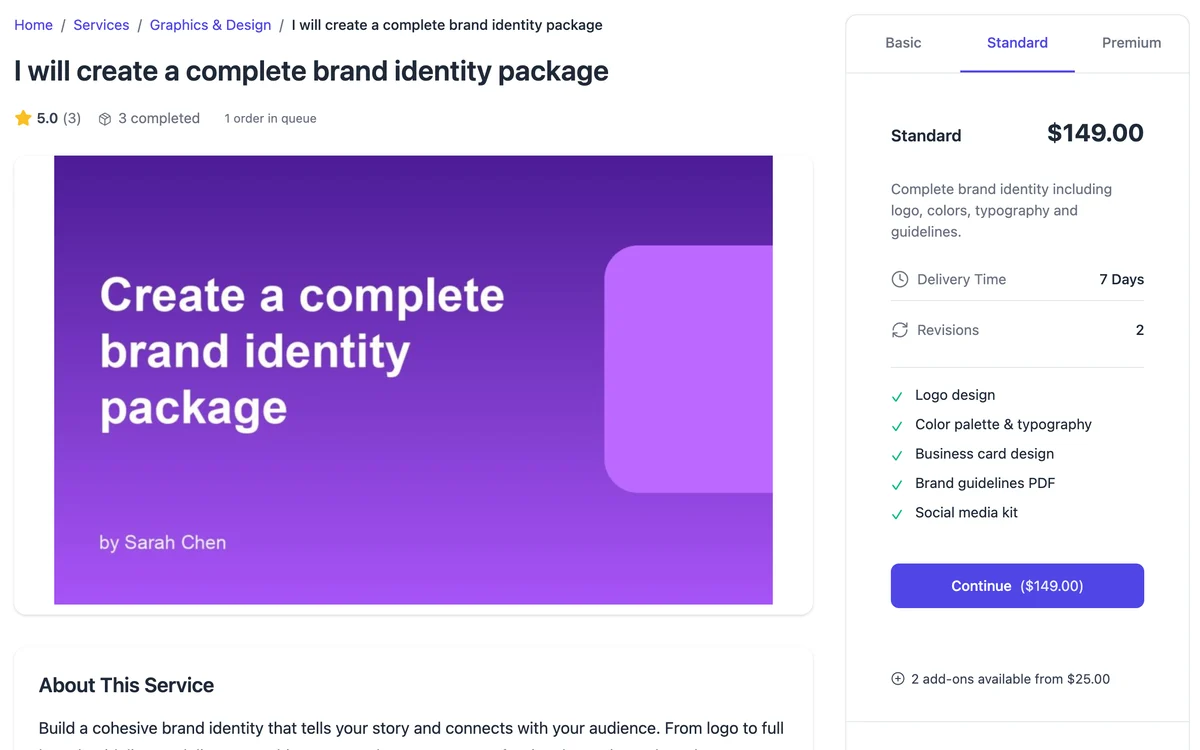
Fiverr-style catalog
Buyers browse and buy
Vendors list services with up to three priced tiers. Buyers pick one, add any extras and pay. The order opens straight away.
- Pick a tier
- Add extras
- Pay
- Order opens
WordPress · Free + Pro
Run a marketplace where vendors sell services and you keep a commission on every order. Buyers order a fixed-price package or post a request and compare proposals. Checkout, orders, reviews, disputes and payouts are built in.
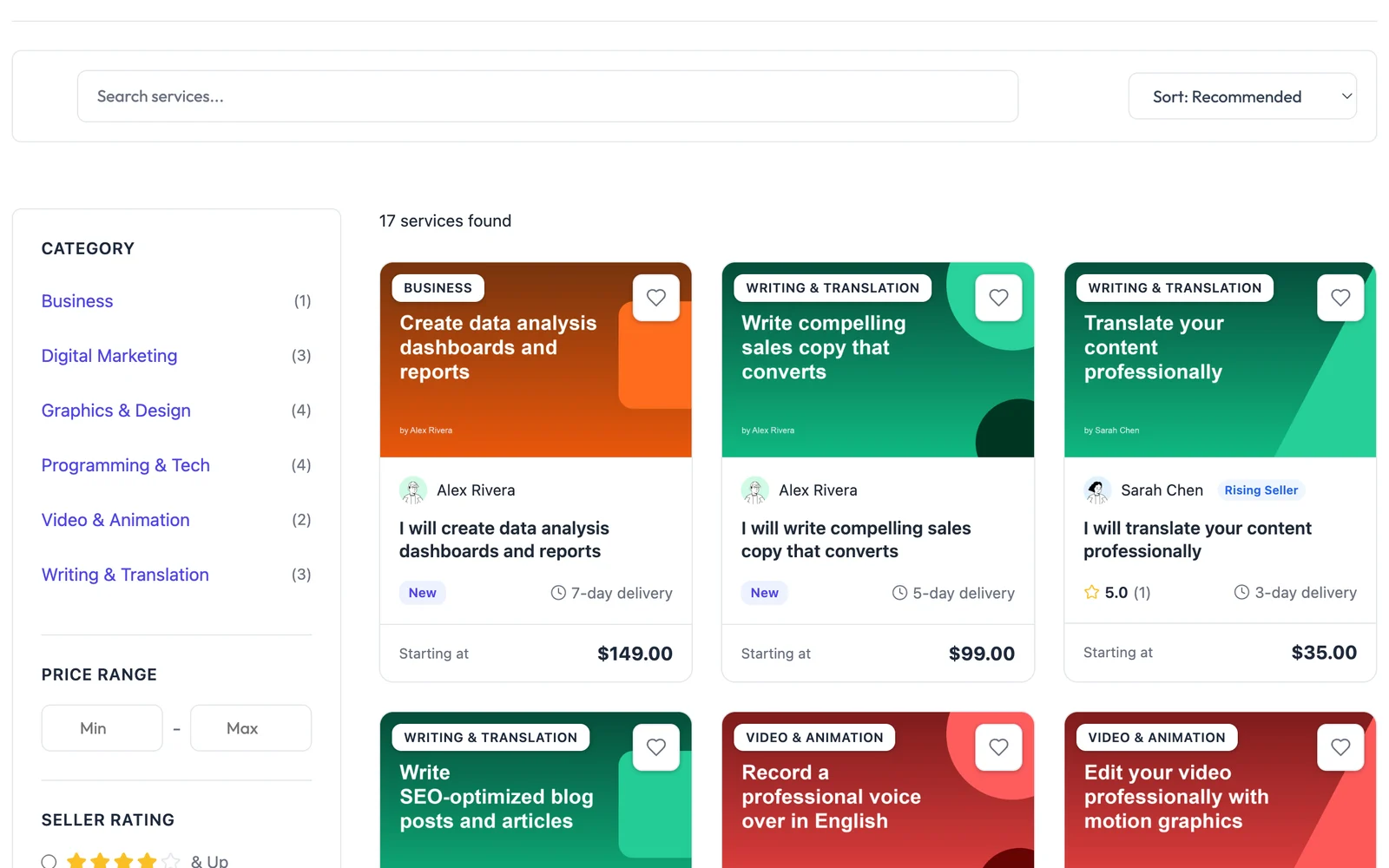
Two ways to sell
After payment, both modes run the same order workflow, so vendors only learn one way to work.
Fiverr-style catalog
Vendors list services with up to three priced tiers. Buyers pick one, add any extras and pay. The order opens straight away.
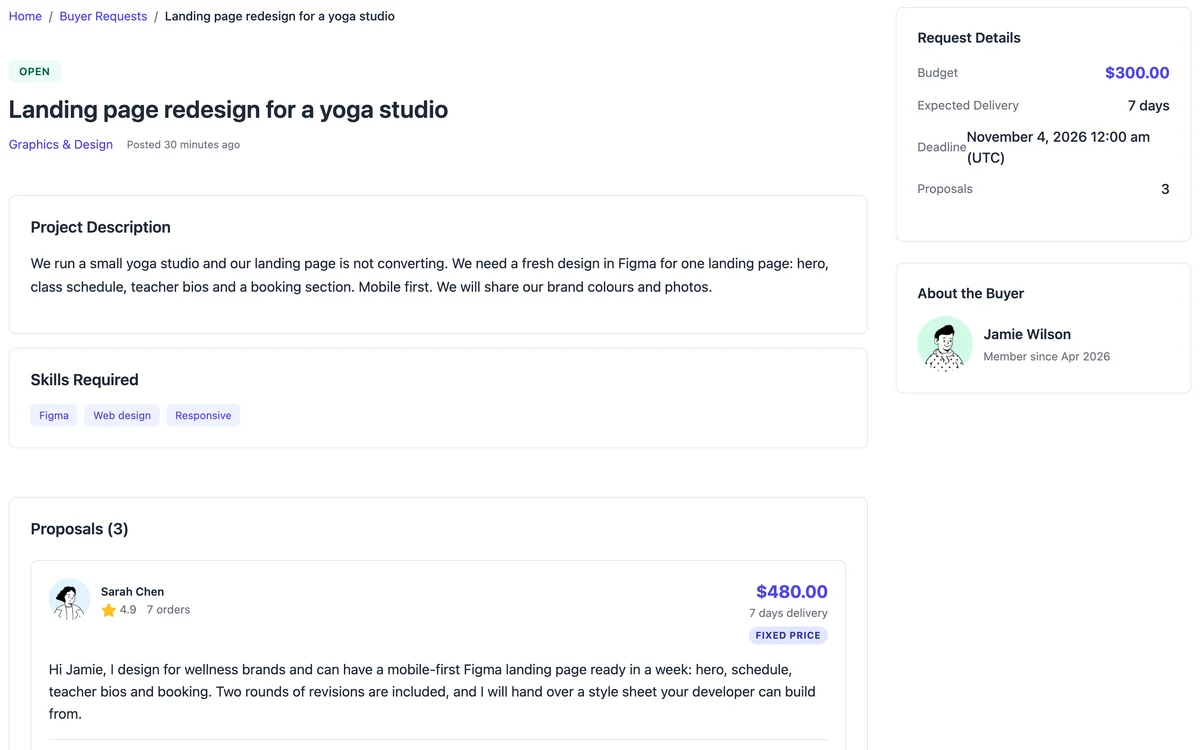
Upwork-style requests
A buyer describes the job, a budget and a deadline. Vendors send proposals with a price and a timeline. The buyer accepts one and the same order workflow runs.
One order, start to payout
Eight real screens from a WP Sell Services marketplace, in the order you, your vendors and your buyers reach them. Pick a stop to see it.
The wizard asks for a name, a currency and your commission rate, then creates the pages the marketplace needs.
Before you launch
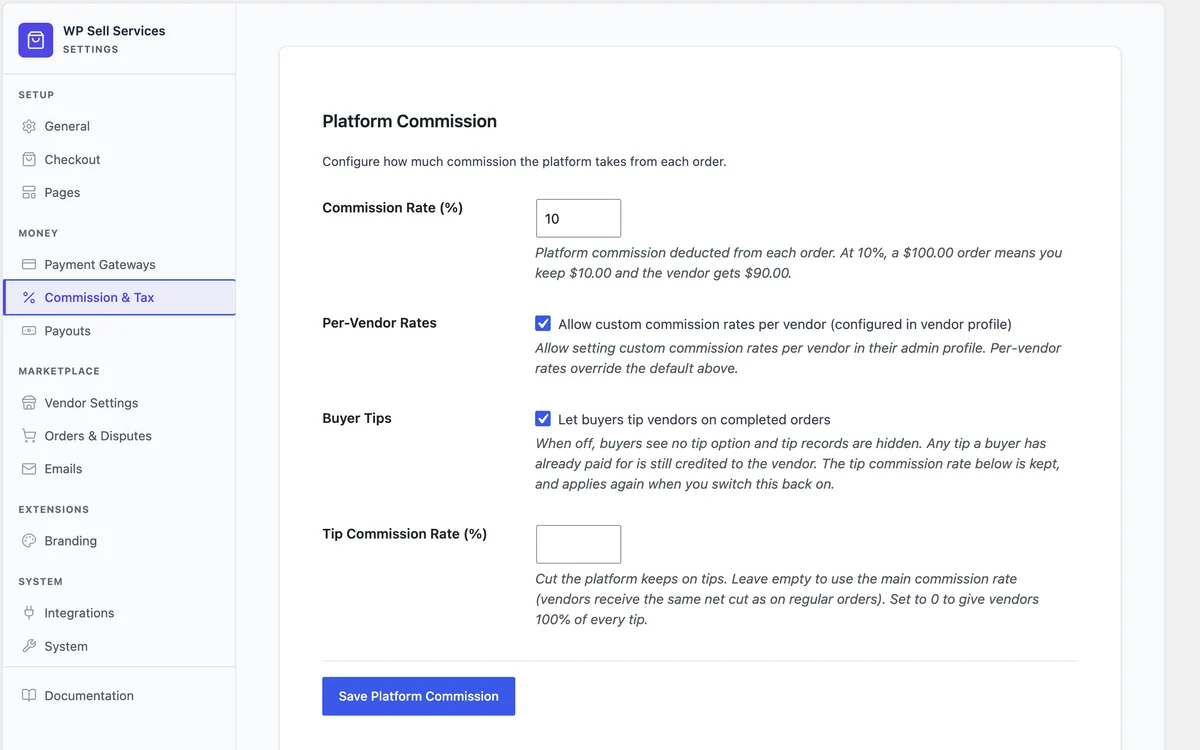
No. Checkout is built in, with Stripe, PayPal and offline payments in the free plugin. You set one commission rate and can override it per vendor.
Payments and commission docs →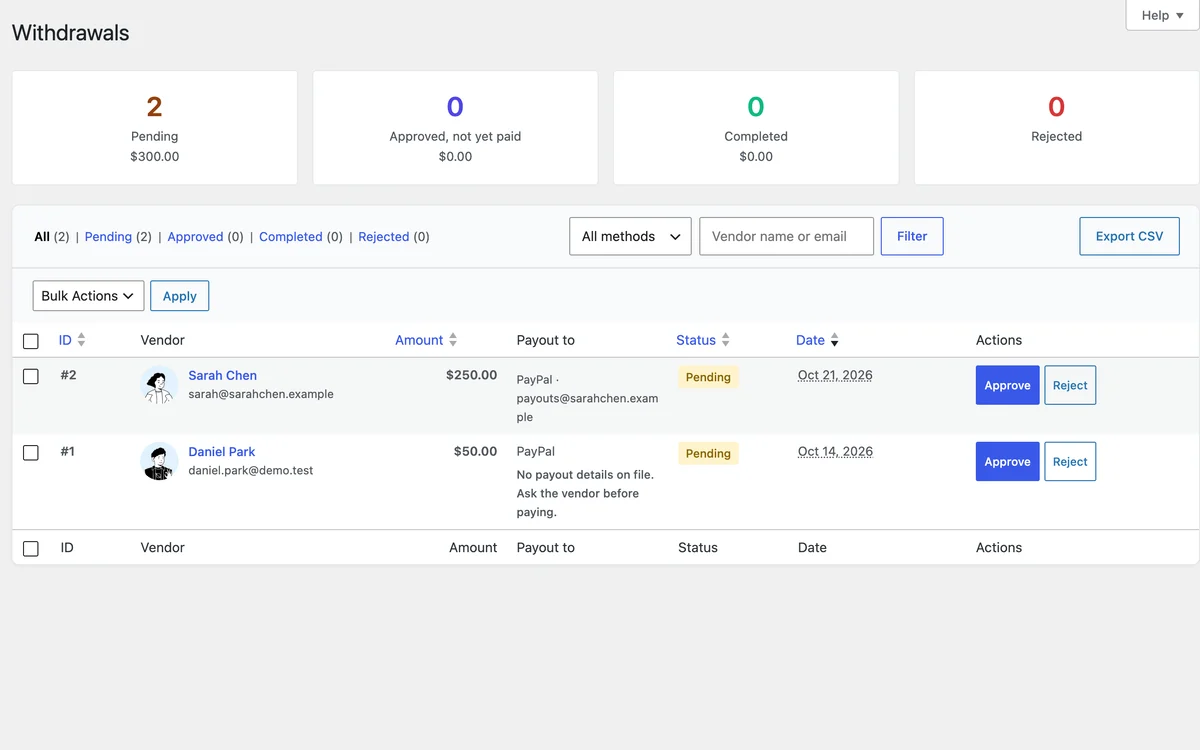
Earnings collect in each vendor's wallet, net of your commission. Vendors request a withdrawal, you approve it and mark it paid. Pro adds Stripe Connect and PayPal Payouts.
What site owners control →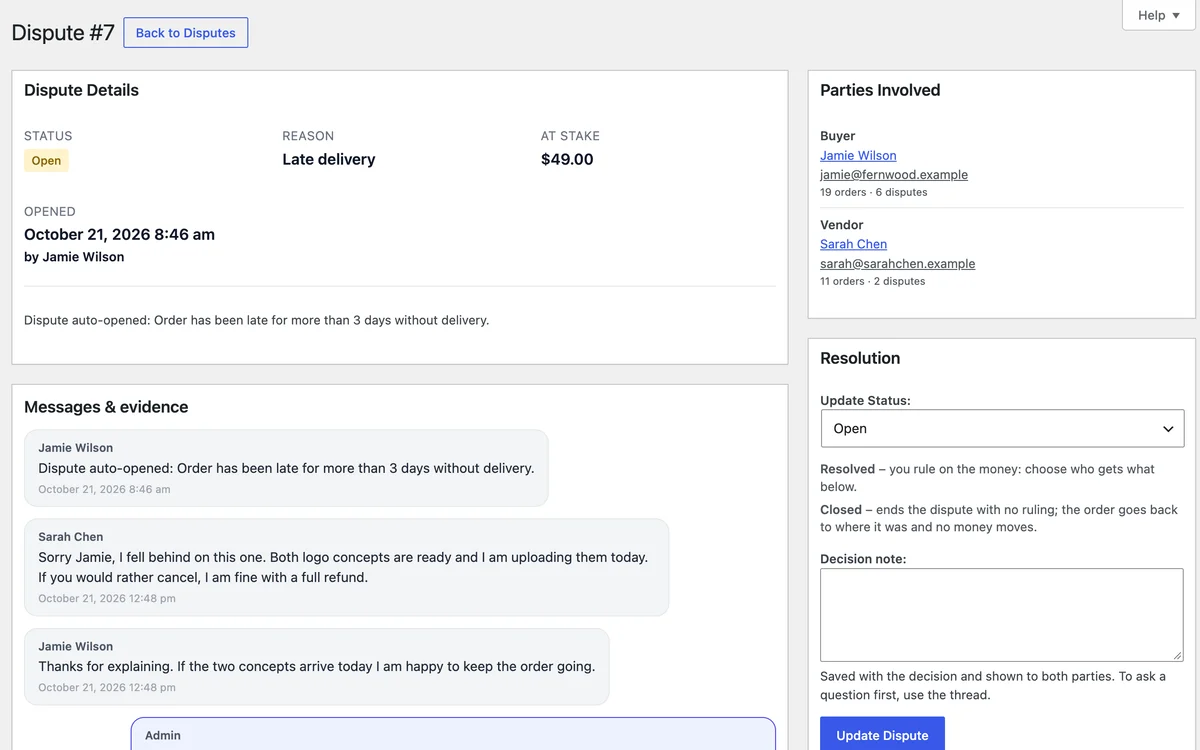
Either side can open one, and an order that runs late can open one by itself. You read the thread and the order, ask for evidence, then rule on the money.
Disputes and trust features →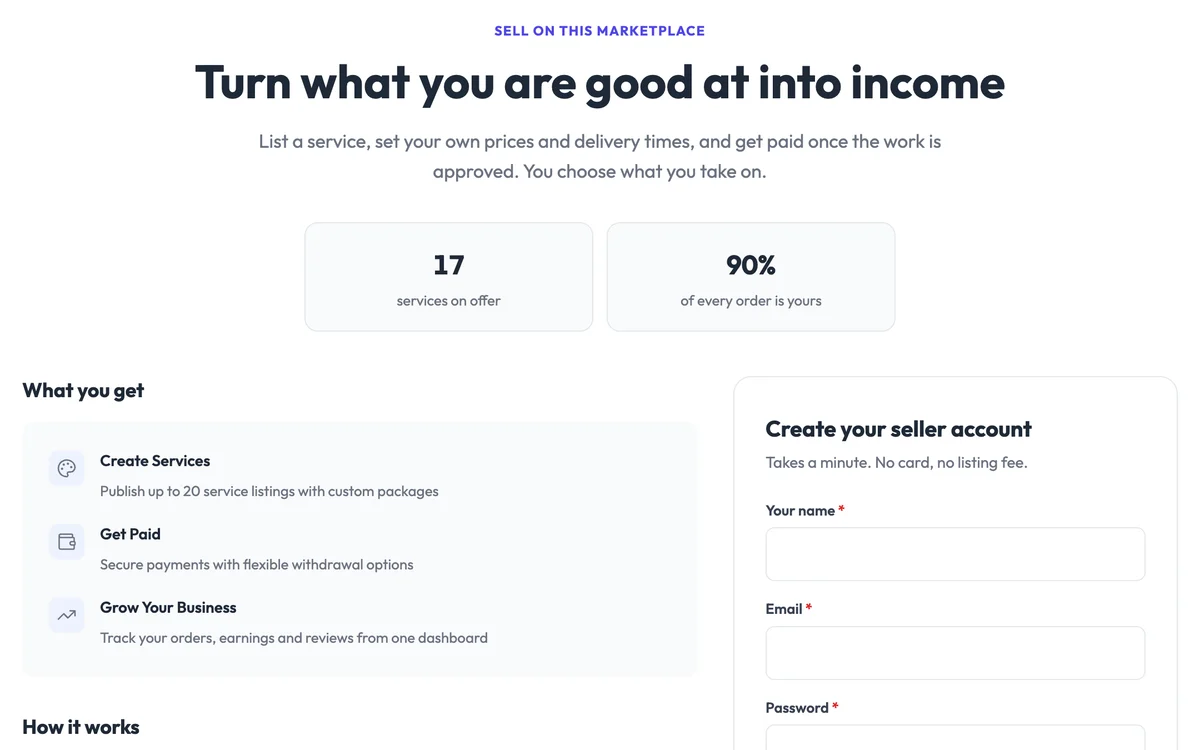
Vendors sign up on their own page, then a guided wizard walks them through each service: pricing, gallery, the questions buyers answer, extras and FAQs.
The vendor side →Who it's for
Each playbook covers setup, pricing, vendor onboarding and the settings to change.
Tutoring & coaching
Tutors list subjects with tiered packages. Students browse, book, message.
Read the playbook →Design services
Logo, web, brand designers selling Basic / Standard / Premium packages with revisions.
Read the playbook →Consulting directory
Consultants offer audits and advisory packages. Buyers compare and pick by package.
Read the playbook →Home services
Plumbers, cleaners, handymen. Buyers post jobs, vendors propose.
Read the playbook →Freelance (Fiverr-style)
Open marketplace where any service can be listed, browsed, ordered.
Read the playbook →Ask-for-service (Upwork-style)
Buyers post a brief. Vendors send proposals. Pick one and run the order workflow.
Read the playbook →Compare
| Alternative | What you give up | WP Sell Services |
|---|---|---|
| WooCommerce + 4-5 marketplace add-ons | Several paid extensions to keep compatible with each other | One plugin. Free. |
| SaaS marketplaces (Sharetribe, Arcadier) | A monthly subscription that eats your margins, and no control of the platform | Self-hosted. Your data. |
| Custom development | Months of building and testing what already exists | Install it and run the setup wizard today. |
| Dokan / WCFM / WC Vendors | Built for physical products, retrofitted for services | Service workflows are core, not bolted on. |
Full comparison: WP Sell Services vs Fiverr, vs WooCommerce, vs Dokan, vs Sharetribe →
When you outgrow free
Pro modules for the problems marketplace owners hit after launch: more payment options (100+ gateways via WooCommerce), vendor analytics, cloud storage, automated payouts, tiered commission rules and your own brand on every screen.
Pricing
Every Pro tier includes every Pro extension. Tiers differ by site count and support depth, never by withheld features. Annual licenses include a year of updates and support and renew at 30% off. Lifetime licenses are a one-time payment and never expire.
$0
Forever, no card
Every site you own
$99 / year
or $249 lifetime
Pro on 1 site
Most popular
$199 / year
or $499 lifetime
Pro on multiple sites
$249 / year
or $629 lifetime
Pro on unlimited sites
30-day money-back guarantee on every Pro plan if it does not work for you and our support cannot fix it. The free plan needs no card. Compare every Pro feature →
Common questions
Yes. The free plugin runs a complete marketplace: vendor wizard, three-tier packages, built-in Stripe and PayPal checkout, the order workflow, revisions, reviews, disputes and commission tracking. No SaaS fees and no WooCommerce required.
No. WP Sell Services ships its own cart and checkout with Stripe, PayPal and offline payments. Checkout through WooCommerce is a Pro feature for sites that want its 100+ payment gateways.
Both. The free plugin ships both modes. Buyers can browse the catalog and buy a fixed-price package, or post a brief and receive proposals from vendors. Both modes are always on, so lead with the one you link from your menu.
Pro is $99 a year for Personal (1 site), $199 a year for Professional (multiple sites) or $249 a year for Agency (unlimited sites). Lifetime licenses are a one-time payment: $249, $499 or $629. Every Pro plan has a 30-day money-back guarantee if it does not work for you and our support cannot fix it.
Checkout through WooCommerce, Razorpay, Stripe Connect and PayPal Payouts, analytics with export, cloud storage (S3, GCS, DO Spaces), tiered commission rules, tipping, push notifications, display currency and white-label branding. Pro also lifts the free limits on gallery images, add-ons, FAQs and requirements.
The free plugin gives you a complete marketplace. Or spin up the live demo for a ready-made sandbox WordPress install with the plugin set up.
It works with WordPress themes in general and does not need one of ours. The plugin uses WordPress templating and picks up your theme's styles, so check it on your own theme before you launch.
Open a ticket at wbcomdesigns.com/support/. Pro license holders get priority support, and replies usually arrive within one to two business days. The full documentation is at wpsellservices.com/docs/.
Watch it
Setup, a vendor listing a service, a buyer ordering, and the money moving at the end.
Every tutorial, by topic →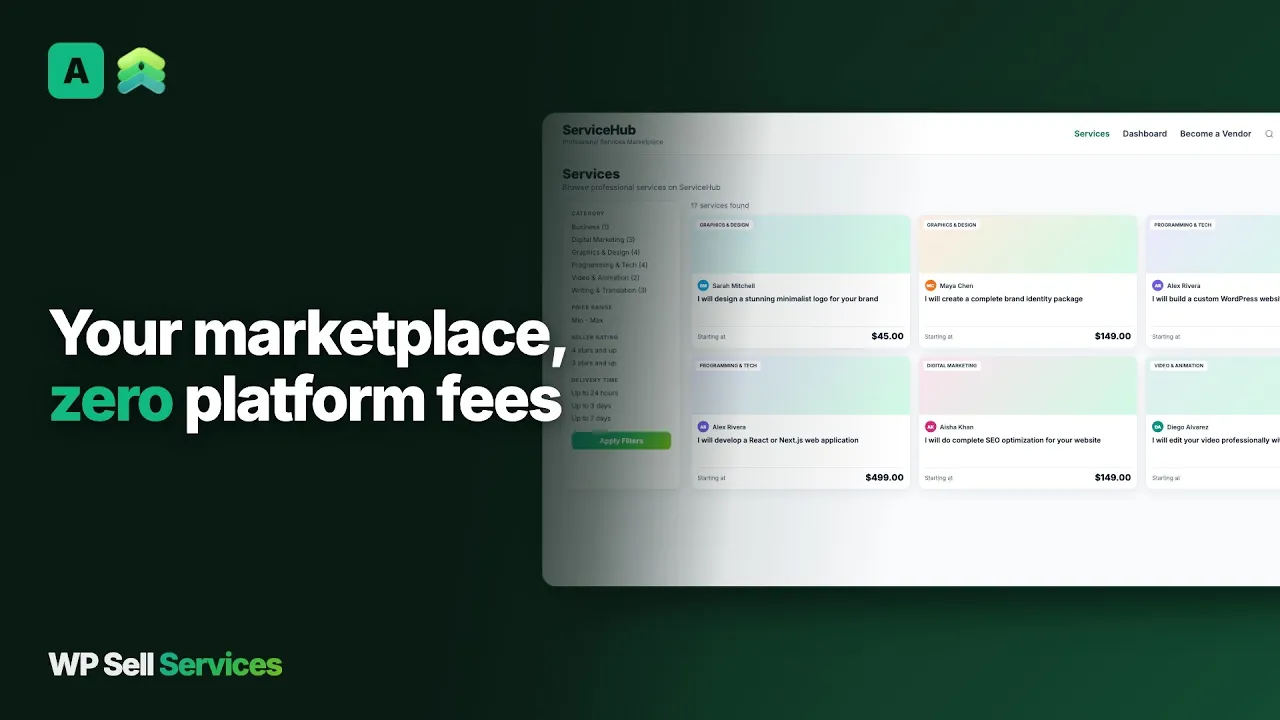 Build a Fiverr style marketplace on WordPress with WP Sell Services
 Install the free plugin, run the setup wizard and list your first service today.