What MicrojobEngine is and who it suits
MicrojobEngine is a WordPress theme from EngineThemes for building a micro-job marketplace in the style of Fiverr. Its product page describes a service detail page, a seller profile, search by keyword, category and tag, custom orders with extra services, private messages, and reviews that only open once a job is finished. It also lists a virtual currency system that transactions are synced with, and admin screens for orders, jobs, revenue, withdrawals and analytics.
You buy it as a single package with a support period, and it offers two layouts to start from. For someone who wants a micro-job site this week and is happy to take the look as it comes, that is an appealing deal.
The vendor’s live site blocked our request, so we read its product page from an Internet Archive copy. Treat our summary of it as the general shape, and read the live page before you decide.
The real difference: a theme that is the marketplace
A marketplace theme does two jobs at once. It draws the pages, and it also decides how orders, jobs and money work. That is why it is quick to launch. It is also why it is awkward to change.
When the marketplace logic lives inside the theme, a redesign is a larger project than it sounds. Your colours, fonts and layout sit beside the order model, and switching to another theme can mean losing the marketplace, or paying someone to move it. When the logic lives in a plugin, the theme only paints what the plugin provides.
That is the whole argument of this page. It is not that one approach is correct. It is that you should choose with your eyes open about which of the two things you expect to change more often: the look, or the way orders work.
Why a plugin gives you room
With WP Sell Services the theme is yours. We ship six Gutenberg blocks and twenty shortcodes, so you can place the catalogue, a service grid, a seller card or a dashboard inside any page. Elementor, Bricks and classic themes work through the shortcodes. A developer can copy any template into the theme and change it without touching the plugin.
Restyle without risk
Because the data is in the plugin, a rebrand is a design job, not a migration. Swap the theme, check the catalogue, the service page and the dashboard, and carry on. Orders, vendors, reviews and earnings are untouched.
What a visitor and a vendor see
A plugin does not mean a plain look. Service pages are described to search engines as products, so price and rating can appear in results. Members get a notification centre in the dashboard, and twenty-nine email types, each with its own switch, so you can silence the ones you do not want. Real-time messages need a Pusher-compatible service and are off by default. All of it takes its colours and type from the theme through design tokens, which is why dark mode follows along.
Update on your own schedule
A theme update and a marketplace update are separate events. You can test the plugin update on staging this week and leave the theme alone, or the other way round. A tightly bound theme makes that two-way test harder, because the design and the behaviour move together.
How a service order runs in WP Sell Services
Here is the path, with everything free unless marked Pro.
- The vendor publishes a service through a six-step wizard and sets Basic, Standard and Premium packages.
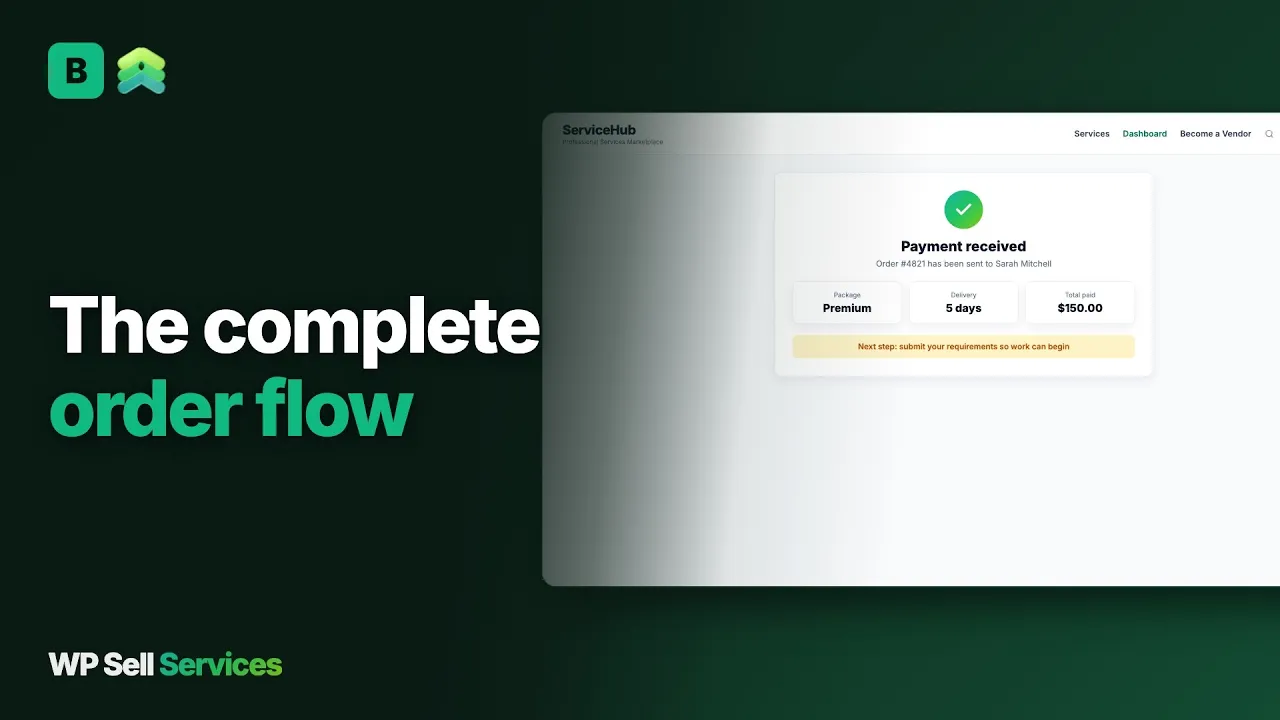
- The buyer picks a package and pays at the built-in checkout.
- The order waits for the buyer to complete the requirements form.
- Both sides use the order thread, with files, during the work.
- The vendor delivers. The buyer accepts or requests a revision.
- Extra scope is bought as a paid extension on the same order.
- The buyer approves, the order completes, and the review opens.
A buyer who finds nothing suitable can post a request, with a budget and a deadline, and compare proposals from vendors. Larger jobs run as milestones. Our post on collecting requirements before work starts explains why the intake step matters so much.
When the theme wins
A bundled theme wins on speed and on certainty. Someone has already decided how the service page, the seller page and the dashboard fit together, and the demo is what you get. With a plugin you decide, which means more choices and more checking. If you have no designer and no wish to become one, say so honestly before you pick: a finished theme may be the better use of your month.
The money side
The commission is one global rate from 0 to 50 percent, with a per-vendor override. Pro adds tiered rules by category, volume or seller level. The commission is taken from the vendor’s earnings when an order completes, and at payment time for tips, milestone phases and extensions.
MicrojobEngine describes a virtual currency system on its product page. In WP Sell Services the money is real from the first order: the buyer pays by Stripe, PayPal or offline transfer with proof, and the vendor’s share lands in an earnings balance. Razorpay and WooCommerce as a checkout are Pro.
Vendors then withdraw. In the free plugin they request, you approve and pay by any route, with a CSV export of what is owed. Pro adds Stripe Connect and PayPal Payouts. Our vendor payouts note covers clearance periods in detail. Neither product turns you into a bank, so check the money rules where your business is registered.
What it costs you to run each
Both are self-hosted, so both ask for hosting, a domain, payment fees, backups and your time. The licence differs in shape. MicrojobEngine is a theme sold with a support period and, on its page, package tiers that bundle different extras. WP Sell Services is a free plugin with a yearly Pro licence on the pricing page. We do not quote theme prices, because they change.
The hidden cost of a bundled theme is the day you want a different design. The hidden cost of a plugin is that you need a theme. Most sites already have one, but a bespoke design is a design budget either way.
Skills are similar. Either way someone has to configure categories, write package and requirement templates and answer the first dispute. A plugin leaves more of the layout choices with you, which is freedom if you have a designer and extra work if you do not.
Trust and disputes
You are the platform. WP Sell Services gives you the tools: a dispute process where both sides add evidence and an admin mediates, completed-order reviews with moderation and vendor replies, a moderation queue for new services, vendor approval and an order timeline that merges messages, deliveries and status changes.
Seller levels are earned from real history, and Pro Seller is a level you award by hand. A vendor profile shows past work, response time and level.
MicrojobEngine’s page describes reviews that only open after completion and admin tools for orders and withdrawals.
A dispute process with evidence from both sides was not described on the page we read, so ask the vendor. Reputation is where a young marketplace is weakest, because nobody has history yet. The cheapest fix is to seed it honestly: invite a small group of real vendors, give them a few genuine first orders, and let reviews build from finished work. Do not buy or write reviews, and do not let vendors review themselves; a thin but honest record beats a long fake one.
In both cases you still write the terms, decide who wins and pay on time.
Data, ownership and moving over
Your records stay in your own WordPress database and on your hosting. Deliverables sit on your server unless Pro sends them to Amazon S3, Google Cloud Storage or DigitalOcean Spaces. Members can export or erase their data through the standard WordPress privacy tools.
Consider the audit trail as well. Because orders sit in the plugin’s own tables rather than in theme settings, a developer can read them over the REST API, export what you need for accounting, and test changes against a copy. That matters most the day an accountant, a lawyer or a buyer asks what happened on a particular order.
Moving from MicrojobEngine
We have no importer from MicrojobEngine. Moving is a rebuild: vendors recreate their services with the wizard, and a developer can script bulk creation through the REST API, which accepts new services. A virtual currency balance is not a payout history, so agree with your vendors what happens to any balance on the old site before you close it.
Build on staging, bring vendors in by invitation, approve the first applications by hand and keep the old theme running until the new marketplace has completed real orders. Buyers should expect to sign in again unless you migrate users yourself.
A launch checklist
- Pick the theme first and check it with a blank page and a block.
- Install the free plugin on staging and run the setup wizard.
- Choose a registration mode and set the commission rate.
- Connect Stripe or PayPal and run one small real order.
- Place the catalogue, dashboard and seller pages with blocks or shortcodes.
- Publish a first batch of services and write the requirement questions.
- Check the site at phone width and in dark mode.
- Add your terms, then invite vendors in small groups.
What WP Sell Services does not do for you
It does not ship a design. There are no demo layouts to import as a finished look, so you supply the theme. It does not sell physical goods, and has no calendar booking. Recurring billing for a service is not available, so do not buy Pro for it. Easy Digital Downloads and FluentCart ship as beta checkouts that are not purchase-tested.
Tipping needs Pro. AI title suggestions, service templates, bulk image upload and scheduled publishing are not built. Members can report a service or a seller, but not a single review or message from the website yet. Pro features are web-only for now.
Other plugins from the same team
WP Sell Services is one of several separate, optional plugins from the same team. They run on one WordPress site with one login, and each is installed only if you want it. The connections we can state sit in checkout and payments: the built-in rail, WooCommerce in Pro, and the gateways and storage on the integrations page.
The sister products are BuddyNext for community, Jetonomy for forums and Q&A, Learnomy for courses, Listora for directories, WP Career Board for jobs, Eventonomy for events and WB Gamification for points and badges. There are also two themes, BuddyX Pro and Reign. Because the marketplace is a plugin, any of them can sit beside it. We make no claim that they are wired into its orders.
The trade is the usual one. A hosted marketplace is one bill and takes a cut of every sale. These are plugins you install, host and update yourself, in return for keeping the sale, the customers and the design.
Other alternatives worth a look
- Workreap is another freelance marketplace theme, a fit if you want projects and services in one package.
- TaskHive is a marketplace theme on a general framework, useful if you want a plugin-backed theme.
- Dokan wins when your sellers sell products on WooCommerce.
- Sharetribe is a hosted builder, better if you do not want to run WordPress.
- Fiverr is the choice if you want to sell your own work to an audience that exists.
- Upwork wins for longer engagements with built-in vetting.
Who should stay with MicrojobEngine
Stay if you want a finished micro-job site and the theme’s look is the look you want. Stay if you value one vendor owning the whole stack and one support desk. Stay if your marketplace is running, your vendors know it, and a rebuild would cost more than it returns.
Be honest about timing. A marketplace theme is easiest to leave before you have many vendors, because every vendor you onboard is a listing someone must rebuild. If you are weighing the two options on a site with no live vendors yet, the decision is cheap. If you have hundreds of active listings, weigh the rebuild against the benefit.
Move if you want to keep your own theme, expect to redesign, or want a documented API. Start with the features overview, then read the developer page and try the free plugin on a staging site.