Opening a Dispute
Disputes & ResolutionWhen something goes wrong with an order and you cannot resolve it through direct communication, you can open a formal dispute. The marketplace admin will step in to mediate and find a fair resolution.
What Is a Dispute?#
A dispute is a formal complaint about an order. It pauses the order, notifies the admin, and starts a structured resolution process where both the buyer and vendor can present their side.
Disputes are a last resort. Before opening one, always try to work things out directly with the other party through the order messaging system.
When to Open a Dispute#
Good reasons to dispute:
- The vendor never delivered and the deadline has passed.
- The delivered work is significantly different from the service description.
- The work quality is far below what was promised.
- The vendor is unresponsive for 48+ hours despite multiple messages.
- A serious issue cannot be resolved through revisions.
Not the right time for a dispute:
- Minor revision requests -- use the revision system instead.
- The vendor is slow to respond but has been communicating (give them 48 hours).
- Subjective style preferences that were not specified in the requirements.
- The vendor is actively working on fixes.
Before You File#
Step 1: Try Direct Communication#
Message the vendor through the order conversation. Clearly explain the issue, provide specific examples, and give them 24-48 hours to respond. Most problems can be solved at this stage.
Step 2: Use Revisions if Applicable#
If the work was delivered but needs changes, request a revision first. Describe what needs to be fixed and give the vendor a chance to make it right.
Step 3: Gather Your Evidence#
Before opening the dispute, collect everything that supports your case:
- The original order requirements (what was agreed).
- The delivered files (what was actually received).
- Screenshots showing the issues.
- Message history showing your attempts to resolve things.
- Side-by-side comparisons of what was promised vs. delivered.
How to Open a Dispute#
- Go to Dashboard > My Orders and open the order.
- Click the Open Dispute button.
- Select a reason from the list:
- Not Delivered
- Not as Described
- Poor Quality
- Late Delivery
- Communication Issues
- Other
- Write a detailed description of the problem. Be factual, include a timeline, and explain what you have already tried to resolve it.
- Add evidence -- text descriptions, links to screenshots, or uploaded files.
- Click Submit Dispute.
What Happens After You Submit#
Immediately:
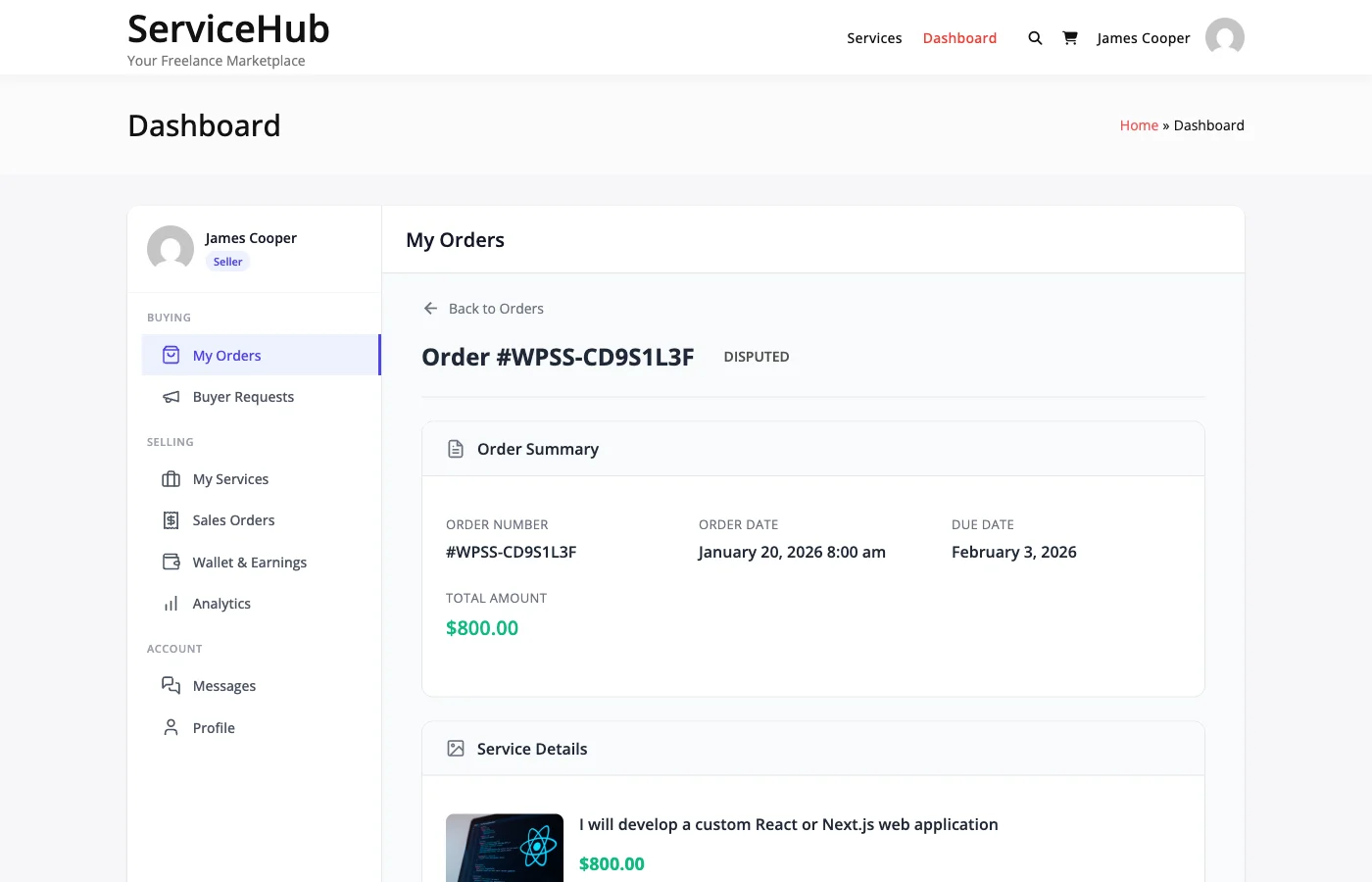
- The order status changes to "Disputed."
- The vendor receives a notification about the dispute.
- The admin is alerted that a new dispute needs attention.
- A dispute number is generated for tracking.
Over the next few days:
- The vendor has an opportunity to respond, provide their side, and submit evidence.
- The admin reviews everything and investigates.
- Both parties may be asked clarifying questions.
Adding More Evidence#
After the dispute is open, you can continue adding evidence as long as the dispute has not been closed. Go to the dispute page and click Add Evidence to submit additional information.
The Vendor's Response#
After you open a dispute, the vendor can:
- Provide the missing deliverables.
- Offer a revision or correction.
- Propose a partial refund.
- Submit their own evidence and counter your claims.
- Accept responsibility and agree to a refund.
If the vendor resolves the issue to your satisfaction, you can ask the admin to close the dispute.
Expected Timeline#
| Stage | Typical Duration |
|---|---|
| Vendor response period | 1-3 days |
| Admin review begins | 1-3 business days |
| Resolution decided | 7-14 days total |
Clear-cut cases (like non-delivery) may be resolved in 1-3 days. Complex disputes can take up to 3 weeks.
Possible Outcomes#
The admin will choose one of these resolutions:
- Full Refund -- The buyer gets all their money back. The order is cancelled.
- Partial Refund -- A percentage is refunded to the buyer, and the vendor receives the rest.
- Complete Order (Vendor Wins) -- No refund. The vendor is paid in full.
- Favor Buyer -- Similar to full refund, decided in the buyer's favor.
- Mutual Agreement -- A custom solution both parties agree to.
Tips for a Strong Dispute#
- Be factual, not emotional. Stick to what happened, with dates and specifics.
- Reference your requirements. Show exactly what was promised vs. what was delivered.
- Include evidence. Screenshots, files, and message history make your case much stronger.
- Show you tried to resolve it. Demonstrating good faith communication works in your favor.
- Respond promptly to admin questions. Quick responses keep the process moving.
One Dispute Per Order#
You can only open one dispute per order. If new issues come up, add them as evidence to the existing dispute rather than trying to open a second one.