Service Gallery & Media
Service CreationYour service gallery is one of the first things buyers look at. Strong images and videos can be the difference between a click and a purchase. This guide covers what you can upload, the limits, and how to make your gallery work hard for you.
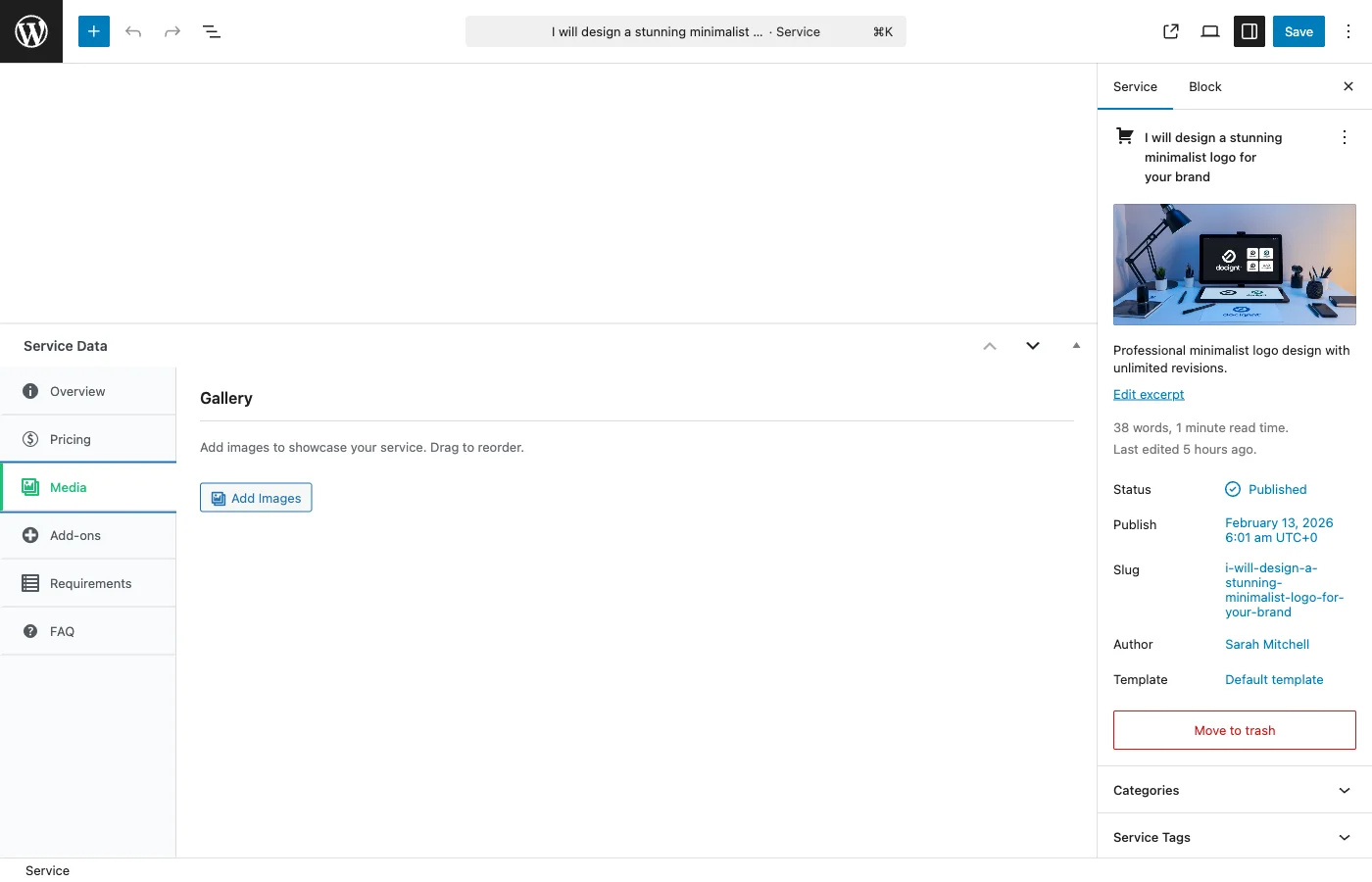
What You Can Upload#
| Media Type | Free | Pro |
|---|---|---|
| Main image | 1 (required) | 1 (required) |
| Additional images | Up to 4 | Unlimited [PRO] |
| Video embeds | 1 | Up to 3 [PRO] |
Main Image#
Every service needs a main image. This is the hero image buyers see in search results, category pages, and at the top of the service page. It is required to publish your service.
Recommendations:
- Size: 800x600 pixels or larger
- Format: JPG, PNG, or WebP
- Keep it under 5MB
- Show your best work or a clear representation of what you deliver
Additional Gallery Images#
Gallery images let vendors showcase more of their work. Think of these as a portfolio within the service listing.
What to include:
- Samples of completed projects
- Before-and-after comparisons
- Different angles or variations of your work
- Process screenshots that show your approach
Supported formats: JPG, JPEG, PNG, GIF, WebP
Maximum file size: 5MB per image
In the free version, you can add up to 4 additional images. With [PRO], there is no limit.
Video Embeds#
Videos are a powerful way to showcase work, especially for services like video editing, animation, web development, or any service that benefits from a walkthrough.
Supported platforms:
- YouTube
- Vimeo
Simply paste the video URL into the wizard. The video will embed automatically on your service page.
Limits:
- Free: 1 video
- [PRO]: Up to 3 videos
Note: Direct video file uploads (MP4, MOV, etc.) are not supported in the wizard. Use YouTube or Vimeo to host your videos and paste the link.
How your video appears to buyers#
Your gallery opens on your main image, not the video. Buyers came to see the work; the video is the pitch beside it.
The video sits first in the thumbnail strip, with a play badge over it, using the thumbnail YouTube or Vimeo already generated for it. Buyers click it to watch, click any image to go back, and can switch between them as often as they like without the page reloading.
Two things worth knowing:
- The video player is only loaded when a buyer actually clicks it. Your service page stays fast for the people who never watch it, and YouTube is not contacted on a visit that ignores the video.
- If your video's provider does not supply a thumbnail, your main image is used for that button instead.
Nothing here needs configuring. Paste the URL and it behaves this way.
Tips for a Great Gallery#
Image Quality#
- Use high-resolution images (1200 pixels wide or more looks best)
- Show real work samples, not stock photos -- buyers can tell the difference
- Keep a consistent style across your gallery for a professional look
- Compress images before uploading for faster page loads (tools like TinyPNG work well)
What to Show#
- Lead with your strongest piece -- The first gallery image matters most after the main image
- Show variety -- Different styles, projects, or use cases demonstrate versatility
- Include context -- Show work in its real-world setting (a website design on a laptop screen, a logo on a business card)
- Remove outdated work -- Keep your gallery current with your best and most recent projects
Gallery Size#
- 3-5 images is the sweet spot -- enough to show range without overwhelming the page
- Quality always beats quantity
- Order images by relevance and quality, with the strongest pieces first
Video Tips#
- Keep videos under 3 minutes
- Show the end result, not just the process
- Add captions for accessibility
- Make sure the video is set to public on YouTube/Vimeo
Related Guides#
- Service Creation Wizard -- The gallery step is part of the wizard
- Publishing and Moderation -- Your main image is required before publishing