Service Add-ons & Extras
Service CreationAdd-ons let vendors offer optional upgrades that buyers can select during checkout. They are a proven way to increase order value while giving buyers flexibility to customize their order.
What You Can Do with Add-ons#
Add-ons are perfect for offering:
- Rush delivery -- Pay extra for faster turnaround
- Source files -- Get the original design files (PSD, AI, etc.)
- Extra revisions -- Add more rounds of changes beyond what the package includes
- Commercial license -- Use the work for commercial purposes
- Additional pages or items -- Scale up the deliverable
- Priority support -- Get faster responses during the project
Add-on Types#
There are four types of add-ons, each suited to different situations:
Checkbox (Yes/No)#
The most common type. Buyers simply check a box to add it.
Best for: Rush delivery, source files, commercial license, priority support
Example: "Include source files" -- $20 flat fee
Dropdown (Select One Option)#
Buyers pick one option from a list. Great when there are multiple tiers of an upgrade.
Best for: Resolution options, format choices, delivery speed tiers
Example: "Video resolution" -- 720p (free), 1080p (+$10), 4K (+$25)
Text Input#
Buyers type in custom information. This can be free or carry an additional charge.
Best for: Personalization text, business names, custom inscriptions
Example: "Business name for the logo" -- no extra charge, just information gathering
Quantity (Select How Many)#
Buyers choose a number, and the price multiplies accordingly.
Best for: Extra revisions, additional pages, extra hours, extra items
Example: "Additional revisions" -- $10 each, select 1-5
Limits#
| Free | Pro | |
|---|---|---|
| Add-ons per service | 3 | Unlimited [PRO] |
When the free version limit is reached, the wizard lets vendors know they can upgrade to Pro for unlimited add-ons.
Pricing Options#
Flat Rate#
A fixed price added to the order total, regardless of which package the buyer selected.
Example: Source files = +$30, whether the buyer chose Basic or Premium.
Quantity-Based#
Price multiplied by the number the buyer selects.
Example: Extra pages = $20 each. Buyer selects 3 = $60 total.
How Add-ons Appear to Buyers#
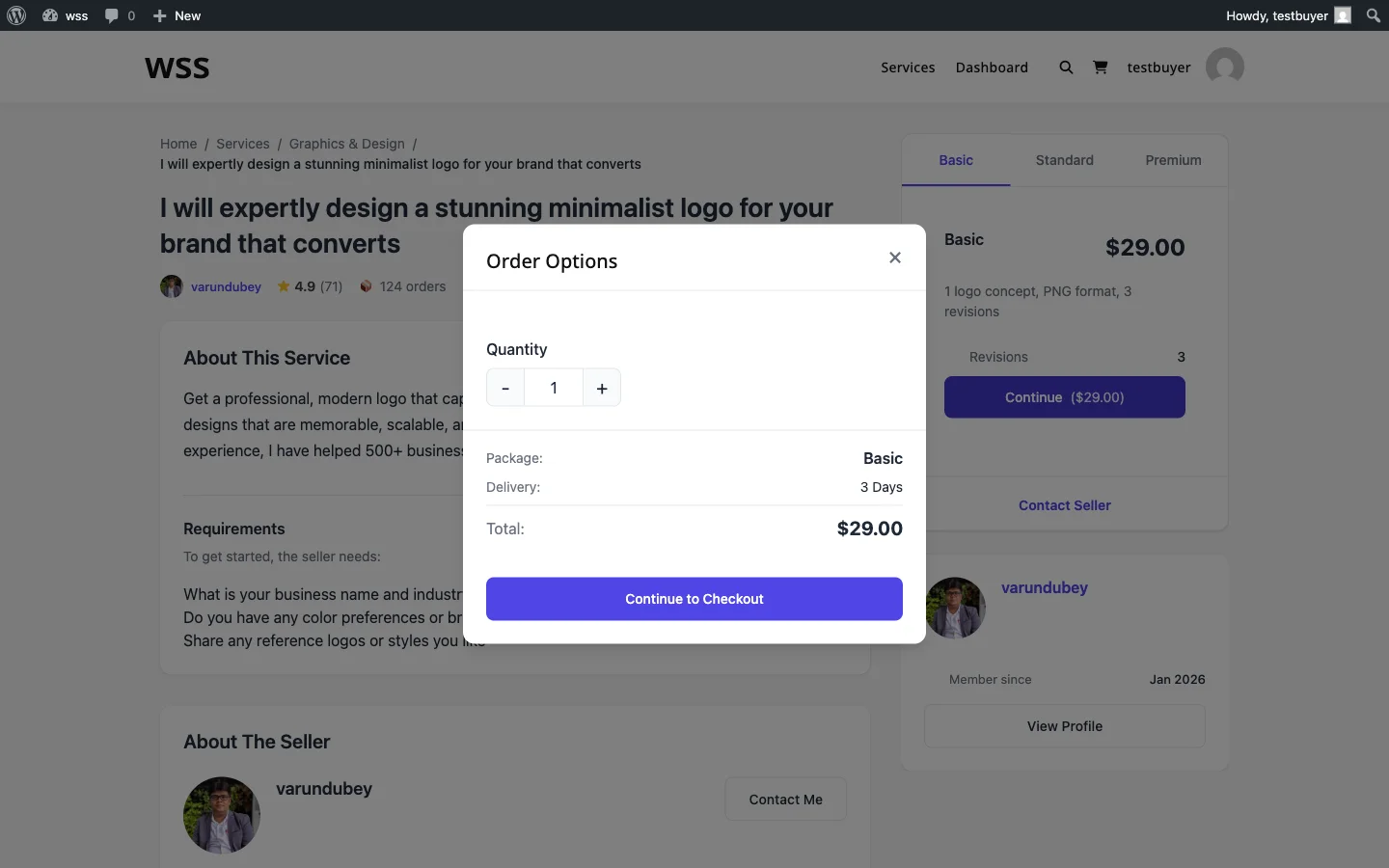
After selecting a package, buyers see the available add-ons listed below. Each add-on shows:
- The add-on name and description
- The price (or "Free" if no charge)
- Any impact on delivery time (e.g., rush delivery subtracts days, extra work adds days)
Selected add-ons are added to the order total at checkout. This applies regardless of whether the add-ons were created through the frontend wizard or the wp-admin service editor.
Delivery Time Impact#
Add-ons can change the delivery timeline:
- Add time -- Extra work like additional pages might add 2 days
- Reduce time -- Rush delivery might subtract 3 days from the timeline
This is calculated automatically and shown to the buyer before checkout.
Tips for Setting Up Add-ons#
- Price add-ons at 20-40% of your base package price -- This feels like a fair upgrade without being too expensive
- Keep it to 3-5 add-ons -- Too many options overwhelm buyers and reduce conversions
- Lead with your most popular add-on -- Rush delivery and source files are typically the most selected
- Use checkboxes for 90% of add-ons -- They are the simplest and convert best
- Remove underperforming add-ons -- If an add-on rarely gets selected, replace it with something more appealing
Related Guides#
- Service Creation Wizard -- How to add extras during service creation
- Pricing and Packages -- Base package configuration